

This page should only be applied if the script prompts script to perform the manual migration code.20260630.FORMS.NewAdminDashboard
Starting with version 2.29 of the plugin , all form entries are indexed in Solr, which simplifies and improves the performance of searches and the dashboard.
In fact, it is necessary to index all existing form entries.
For the very first indexing, you must run afull indexing.
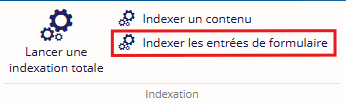
From the administration interface, click"Index Form Entries" or run a full indexing process.
In addition, the dashboard for each form can now be configured to select:
- search filters (criteria)
- the columns to display
- Initial sorting of entries
The user must have the new"Configure Dashboard" permission to set up the dashboard.
There are also several new features on the dashboard:
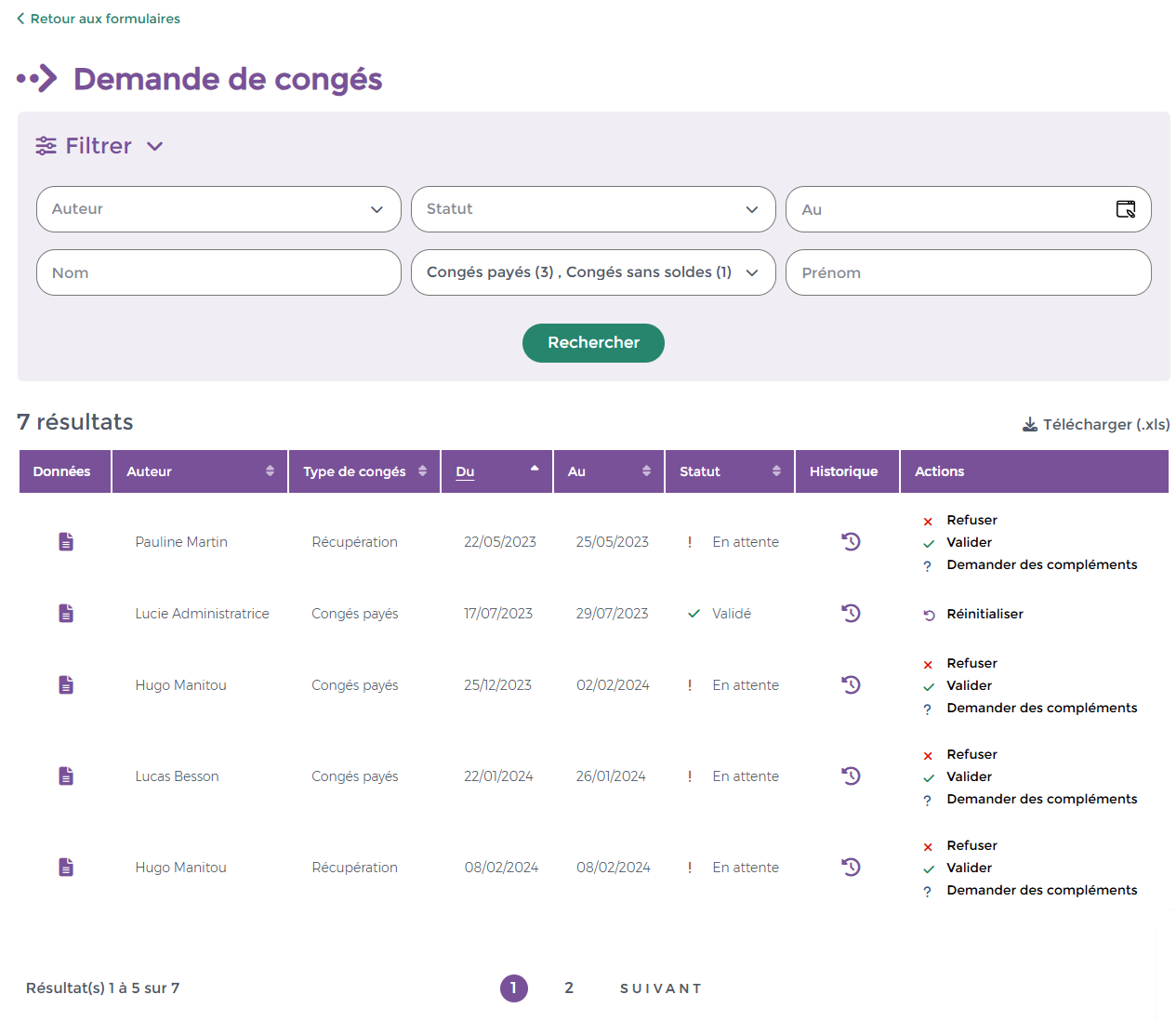
- Displaying X search filters in a collapsible panel
- displaying the number of results
- button to export the search results to XLS format
- ability to change the sort order of column headers
- Pagination of Results
It is therefore necessary to adjust or incorporate these new ingredients.
If your style sheet is based on a core intranet style sheet or the ODF style sheet, you'll just need to make sure it renders correctly and, if necessary, adjust some CSS.
If your recipe is an original one, the new ingredients will need to be incorporated.
Here is an example of the output
 Back to top